
Running an Alabama Statewide Case Search
The Administrative Office of Courts points the public to Just One Look for paid trial-court detail. That service covers criminal, civil, small-claims, state-traffic, domestic-relations, and child-support cases. You can search by name or case number. A different route appears on the AOC Electronic Filing information page. It describes Alacourt.com as a monthly subscriber option for read-only trial records and images. Neither one is the official county file.
Pick the search mode that fits what you know, and check the price first. Just One Look bills you even when nothing matches. Its front page also hides some detailed query fields. One more wrinkle: the county docket-list page offers a county route and a setting-date control. The general case-search form does not carry those fields.
- Open Alabama's Just One Look and choose name search or case-number search.
- Review the displayed price and terms before you submit the Alabama search.
- Open the matching Alabama case detail and check its court, category, parties, and Case Action Summary.
- If the result is missing or incomplete, confirm the court and county, then contact the clerk who holds that Alabama file.
- Use the County Directory to reach the Alabama local court and clerk route.
| Visible Field or Control | What It Does | Access Note |
|---|---|---|
| County context | Sets the Alabama county docket route. | The observed Alabama page has no county dropdown; its location route supplies the county. |
| Setting Date | Selects a date for the Alabama docket list. | The available choices roll with the date. |
| Last Name | Narrows the Alabama docket list by last name. | Optional; leaving it blank returns the full docket list for that date. |
| Search | Loads the selected Alabama docket view. | The Alabama page places the result in a frame. |
Just One Look Search Charges
Just One Look posts its fees openly. It charges $9.99 for a name search and $9.99 for a case-number search. That price covers one matching case detail. Each extra match costs another $9.99. Images and life-of-case monitoring carry separate charges, which the portal lists on its own. These are portal prices, not a clerk's copy schedule. The terms allow them to change at any time. Confirm the live amount before you pay.
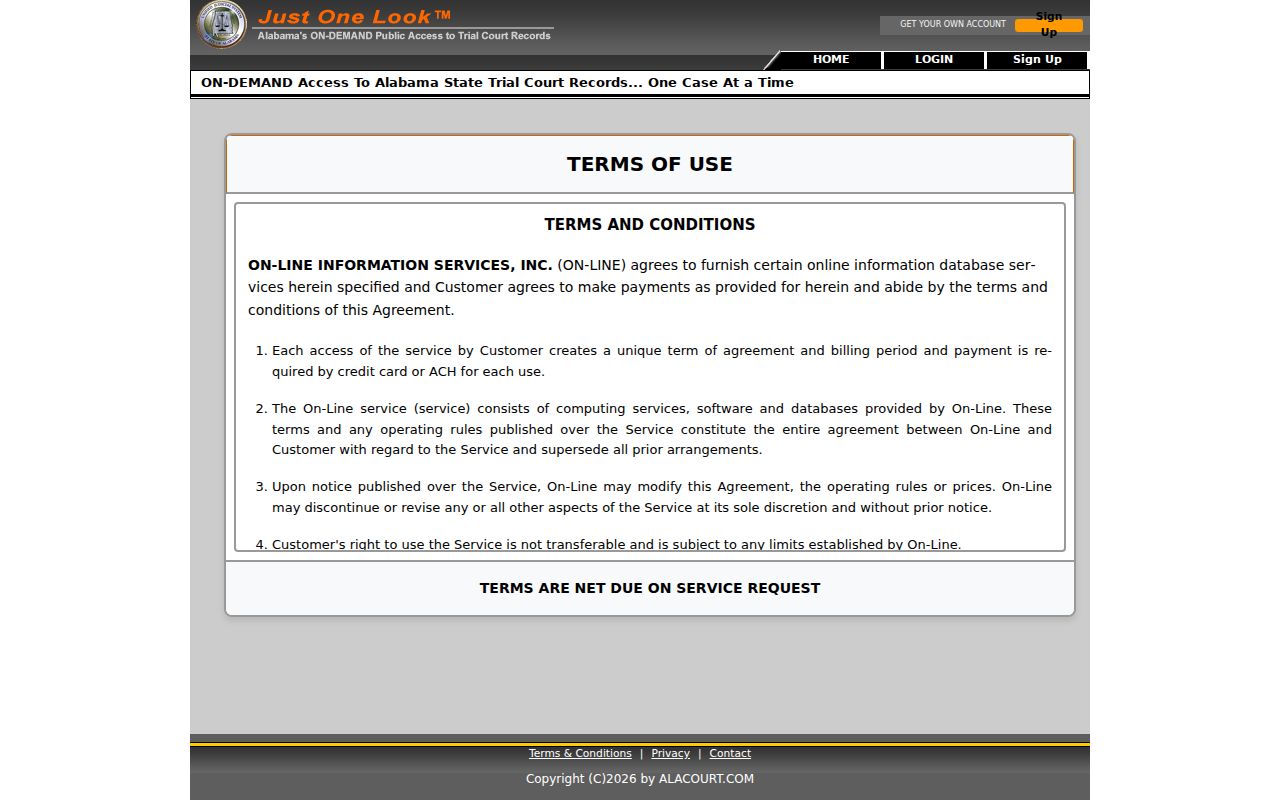
The Alabama portal terms spell out how paid search and image access work. An online image is not a certified copy. Purchased case detail reflects the access date, so later activity will not appear. The terms page also shows the search and image charges described here.
Use the categories to see what each charge covers. Then check current prices on Just One Look before starting an Alabama case search. Note: prices may change, so confirm the amount shown for your Alabama query before any paid search.
Alabama Case Number Searches
Alabama's public sources show no single trial-court number format. No pattern is shared by every county and case type. A number may carry a court cue, a year, and a local sequence. Copy it exactly as printed on the notice or order. Keep the punctuation, letters, and leading zeroes. Resist the urge to reshape it to fit an online sample.
When a docket search comes back empty, recheck the number and the court tier. Circuit and District cases may show up in the statewide trial search. Probate and municipal records sit with separate clerks. A case number identifies its own file, and no single database holds every court.
Alabama Appellate Number Formats
The Alabama Appellate Public Portal splits its number patterns at a March 2022 transition. Cases filed later use SC for the Supreme Court, CL for the Court of Civil Appeals, and CR for the Court of Criminal Appeals. Keep in mind that a trial number never becomes the appeal number.
| Appellate Filing Period | Published Pattern | How to Use It |
|---|---|---|
| Before March 21, 2022 | 1YY####, 2YY####, or CR-YY#### | Older Alabama appellate files may require the prior ACIS route. |
| On or after March 21, 2022 | SC-YYYY-####, CL-YYYY-####, or CR-YYYY-#### | Choose the corresponding Alabama appellate court in the current public portal. |
The Alabama appellate user guide lists every pattern. Treat them as formats, not case examples, and preserve each character when you type one. Older appeal documents may still live on the ACIS legacy system. Note: an Alabama appellate number belongs to a separate appeal file. Never enter it as the original trial case number.
What an Alabama Case Search Returns
A Just One Look detail can show parties, settings, court actions and rulings, the Case Action Summary, costs, and any available images or attachments. CAS is just the portal's name for its chronological event list. Read a result as a summary, not as the filed documents themselves.
Treat each field as a clue. An action line may carry a title the filer typed in. That title may differ from a fixed code. Images can be missing, and the portal does not promise full coverage of every case. If the display conflicts with the clerk's records, the Circuit Clerk's file controls.
| Case number | The Alabama identifier assigned to the file; retain its full printed form. |
|---|---|
| Parties and case style | The Alabama caption and named parties used to identify the case. |
| Court and category | The court and case class associated with the displayed Alabama record. |
| Settings | Available Alabama court-date information; confirm a consequential date with the court. |
| Case Action Summary | Chronological Alabama entries for recorded actions, rulings, filings, and other events. |
| Financial details and images | Available costs and purchasable document images or attachments, if present. |
A Blank Alabama Search Needs Follow Up
Just One Look itself warns that some cases may not appear. It sends users to the clerk. The portal publishes no full list of participating counties, no history cutoff, and no update schedule. A blank result can mean a scope gap. It can also mean the wrong court, a mismatched name or number, or an access limit.
Before paying for another query, compare the name and number against the notice. Then confirm the case category and county. Probate, municipal, appellate, and sealed records follow other routes. The clerk can tell you whether a Circuit or District file exists. The clerk can also say whether it sits in storage or can be viewed. Note: a blank Alabama portal result can reflect a different court, a limited online view, or a search mismatch.
Alabama Statewide vs County Search
The statewide service works well as a first pass across its listed trial categories. The county Circuit Clerk keeps the official Circuit and District file and also acts as ex officio District Court clerk. Probate and municipal dockets rest with separate custodians. A local online page, a counter visit, a phone call, a mail request, or a public terminal can fill whatever gaps the state search leaves.
| Route | Useful For | Limit or Next Step |
|---|---|---|
| Just One Look | Paid remote name or case-number search in listed Alabama trial categories. | Some cases may not appear; detail and images can carry separate charges. |
| County Circuit Clerk | Official Alabama Circuit and District records, onsite viewing, copies, and certification. | Use the county that holds the case; local procedures and charges vary. |
| Probate or municipal clerk | Probate files, estate records, and city ordinance or traffic matters. | These are separate Alabama court record routes. |
| Appellate Public Portal | Public searches for Supreme Court and appellate case data. | Online appellate documents are attorney-gated; public inspection is at the appellate clerk. |
| Federal court route | Federal cases filed in Alabama. | Use the federal court's own record system, not an Alabama state-court search. |
An Alabama statewide match is a starting point, not a finished answer. It may give you a likely case number. It can also point to the court that holds the file. What it cannot promise is that every document has been digitized. Some attachments and older paper files still live only in the clerk's archive.
Call the clerk with the printed case number and the Alabama case category in hand. Ask about the file you need. Is it an older paper record that requires an archive search? That one question can save you a trip. Use the County Directory to reach the right Alabama local court. The statewide index points the way. But it does not hold every file or certified copy.
Alabama Appeals Use a Separate Case Search
An appeal splits a case in two. The trial clerk records the notice of appeal in the original file. Meanwhile, a fresh Alabama docket opens at the appellate court, with a new case number. Briefs, motions, and the final decision all land on that second docket. Follow the matter through both records or you will miss half of it.
For the appellate side, use the Alabama Appellate Public Portal. It searches by number, title, category, filed date, and court. Closed cases are left out by default, though. Online documents are limited to authorized attorneys under the May 2024 order. Anyone else can inspect nonconfidential papers through the appellate clerk. Older material still lives on legacy ACIS. To see how the levels of court fit together, visit the Court System page.
Note: Alabama appellate case data is public. But its online filings stay limited to authorized attorney accounts.
Restricted Cases in Alabama
Alabama keeps juvenile records closed under state law and court rules. A judge can seal a whole case or a single filing. Copies released to the public may arrive with redactions. Adoption files, certain dependency and family matters, mental-health information, and grand-jury material all carry their own access limits. One more wrinkle is worth knowing. The caption, a docket entry, and a document in the same case can each hold a different status.
The governing rules are the Alabama Rules of Court-Record Privacy and Confidentiality. They took effect January 1, 2025. Rule 301 and Rule 302 cover sealing and requests to unseal. Redaction falls under Rule 303. Juvenile limits appear in Ala. Code §§12-15-133–137. The public-writings law is Ala. Code §36-12-40. Access to court records still follows the court-specific rules, not that statute.
When access is limited: Ask the record custodian which rule or statute applies and what procedure is available. An empty result alone does not identify whether a case is sealed, confidential, outside the portal, or simply filed in another court.
Never try to slip past a restriction by borrowing another person's account or digging through an unrelated database. Those workarounds can get you in real trouble. If an Alabama docket is public but an attachment will not open, ask the clerk directly whether the document is restricted, redacted, simply not digitized, or viewable only onsite.
Alabama Federal Cases Have Their Own Route
Federal dockets sit outside the Alabama Unified Judicial System's trial index. A case filed in federal court needs the PACER Case Locator. You can also call the federal clerk. The locator manual walks through the party-search fields. The PACER fee schedule spells out account and per-page charges.
Three districts handle federal cases in Alabama. They are the Northern District, the Middle District, and the Southern District. Pin down the jurisdiction before requesting anything. Alabama state clerks and federal clerks keep separate records. A state clerk cannot certify a federal file.
The Case Locator searches participating federal district, bankruptcy, and appellate indexes, and it refreshes nightly. For recent activity in an Alabama federal case, go straight to the assigned court's CM/ECF system. The party form demands a last name or an entity name. First and middle name, exact-match choice, party role, and court type are optional. Advanced options add region plus filed or closed date ranges.
One caution on numbers: federal fields are separate from Alabama trial-case numbering. Never reuse an Alabama trial number as the federal case number. An Alabama federal appeal deserves a search of the appellate docket along with the original trial file.
Note: PACER fields apply to federal records. Route an Alabama matter with the court and the full case number.